 Knowledge Box
Nothing reaches a fellow without you.
Knowledge Box turns a performance signal into reviewed, curriculum-grounded support material, in one instructor-driven pass.
Sign in with Google
TKH Workspace accounts only

How a request moves
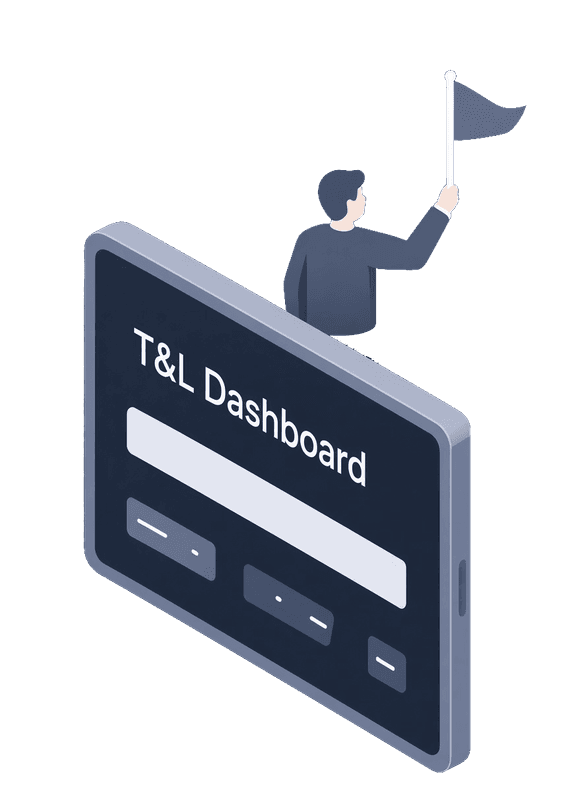
Flagged
The T&L Dashboard flags a fellow, and you open a request.
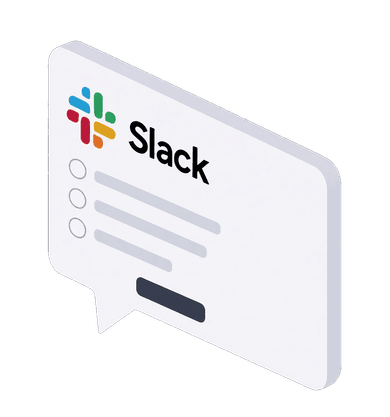
Intake form over Slack
You send the fellow a short form over Slack. Their answers become the prompt.
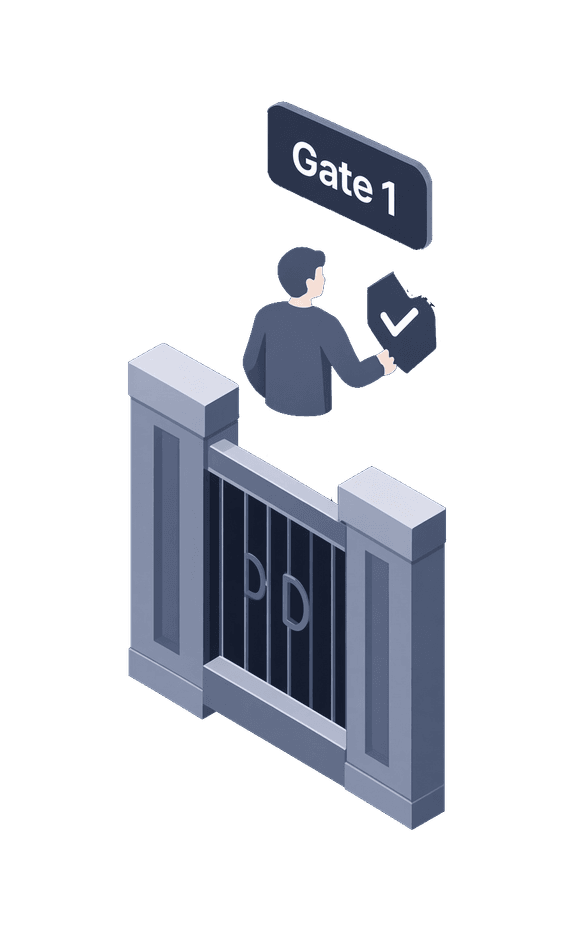
Gate 1: you approve the prompt
You review what will be asked. Nothing is generated before you approve it.
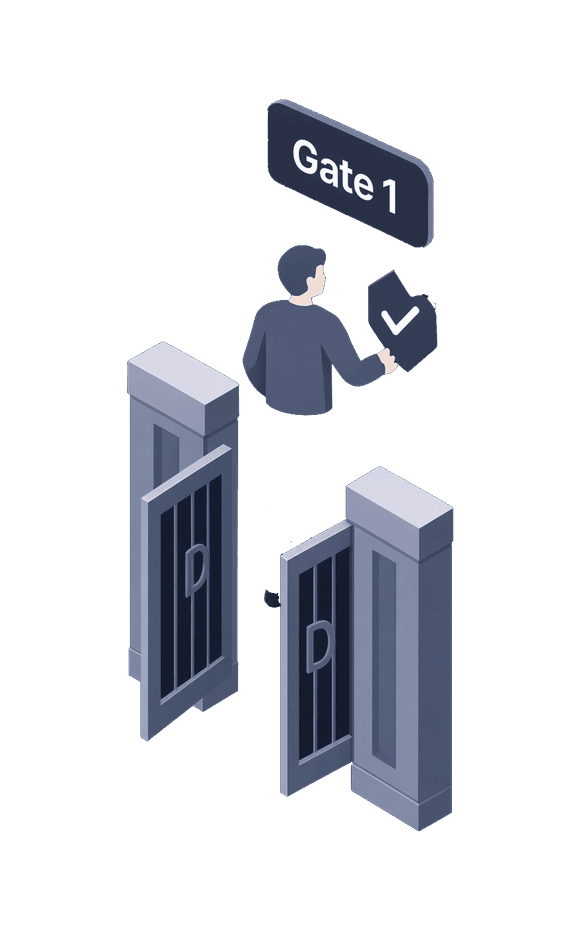
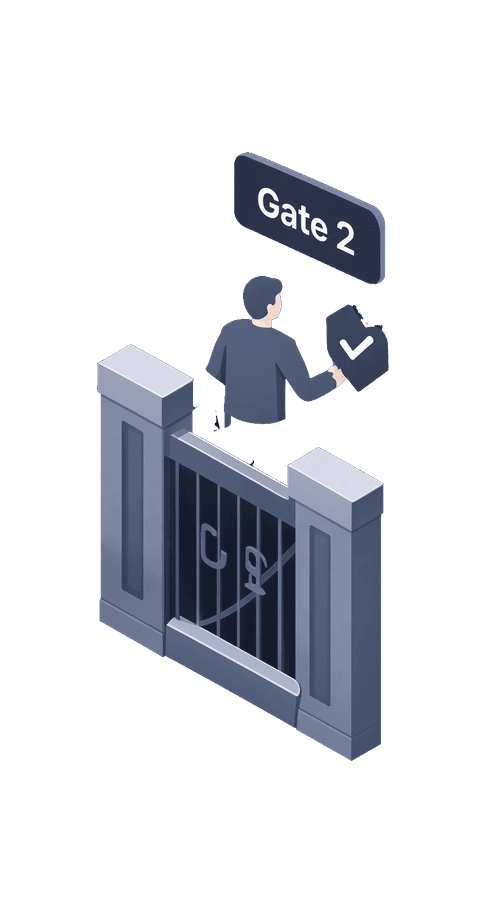
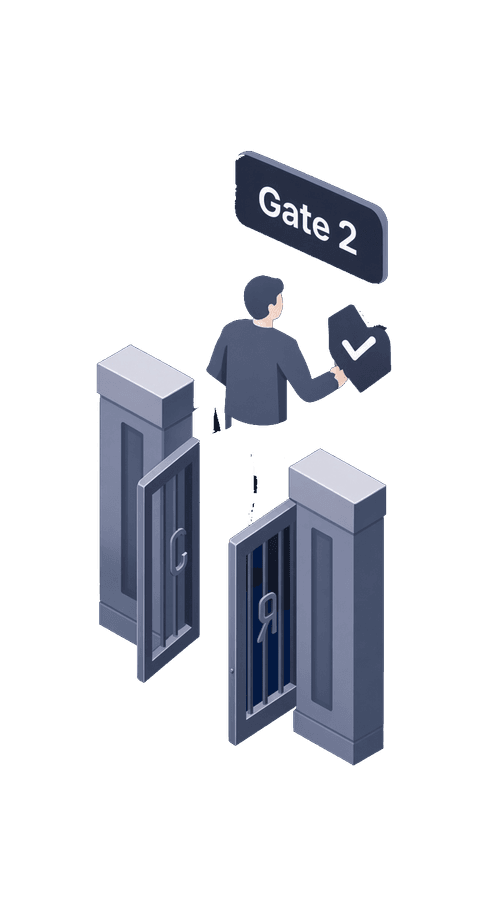
Gate 2: you approve the output
You review the work and its solution guide, and edit or regenerate them.
Sent over Slack
The fellow gets the work; the solution follows on the delay they chose.